



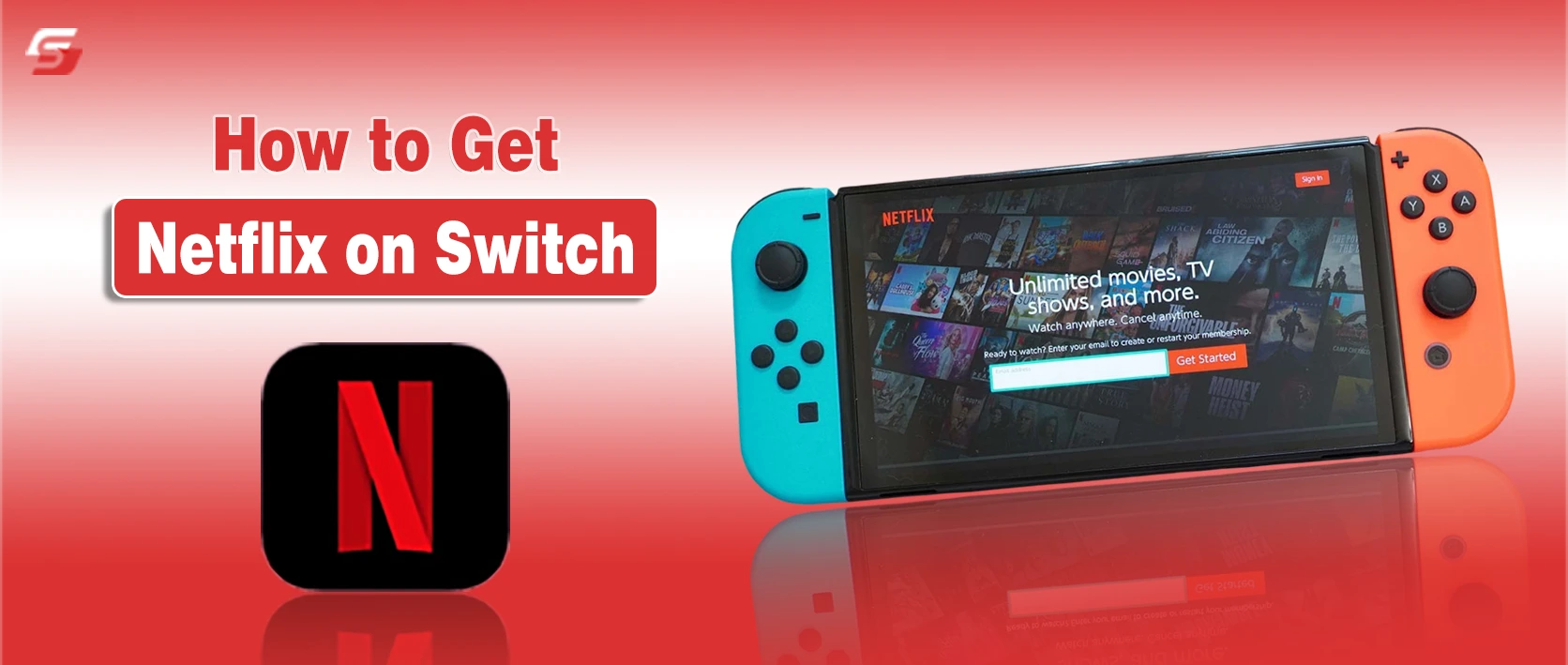
Many Nintendo Switch users wonder how they can watch Netflix on their console, and the answer is that Netflix is not officially available on any Switch model, including Switch Lite and Switch OLED, and the app cannot be downloaded from the Nintendo eShop.
This article explains why Netflix cannot run natively on the Switch, how to use external devices for streaming, which workarounds are safe, so you can enjoy Netflix without modifying your console or risking system stability.
Is Netflix Available on Nintendo Switch?
The Nintendo Switch is a gaming console that supports only a limited set of video apps, such as YouTube and Hulu in some regions. The Nintendo eShop does not provide Netflix, and the Switch operating system does not include Netflix playback support. Because the Switch software lacks the video protection and streaming systems required by Netflix, the console cannot stream Netflix directly.
Can you install Netflix on Nintendo Switch?
The Nintendo Switch cannot install Netflix because the Netflix app is not published in the Nintendo eShop. The Switch does not use the same application platform as Smart TVs, Android devices, PlayStation, or Xbox, which prevents Netflix from running on it.
Methods that try to add Netflix by modifying the system require changing the Switch firmware. System modification removes warranty protection and violates Nintendo’s usage rules. For regular users, Netflix installation on Switch is not supported.
Does Netflix work on Switch Lite and Switch OLED?
The Nintendo Switch Lite and Nintendo Switch OLED use the same software as the standard Nintendo Switch. That software does not support Netflix.
The Nintendo eShop on all Switch models does not list Netflix, and the system does not include a browser or video service that Netflix can use. Netflix cannot run on any Switch model in handheld or docked mode without external hardware or unsupported changes.
Can You Download the Netflix App from Nintendo eShop?
The Nintendo eShop does not list Netflix.
Searching “Netflix” in the eShop returns no official app.
The Switch store only offers a few video apps, such as:
- YouTube
- Hulu (in some regions)
Netflix is not part of Nintendo’s approved app catalog.
Can you use a web browser on Nintendo Switch for Netflix?
The Nintendo Switch does not include a standard web browser that users can open freely. The system contains a hidden internet component used mainly for Wi-Fi login pages, but this tool does not support modern video streaming sites.
Netflix requires advanced playback and security systems that this limited browser does not provide. Because of this, Netflix videos cannot play correctly through the Switch’s built-in network pages.
Are third-party Netflix methods safe on Switch?
Third-party Netflix tools require:
- System modification
- Unofficial software
These methods can:
- Void the Switch warranty
- Break Nintendo’s usage rules
- Cause system crashes or bans
Nintendo and Netflix do not support these solutions.
How to Stream Netflix on Nintendo Switch Using Another Device?
Nintendo Switch cannot run Netflix natively, so users rely on external devices to stream Netflix to the console. The Switch can act as a display screen when connected to devices that support casting or mirroring.
Common methods include using a smartphone, PC, or HDMI adapter, which transmit video to the Switch via the dock or USB-C port. These approaches leverage video mirroring, capture, or casting technology to display Netflix content safely without modifying the Switch system.
If you share your Netflix account across multiple devices, it’s important to know how to log out properly to prevent others from accessing your profiles while streaming on your Switch.
How to cast Netflix from a phone to Nintendo Switch?
Casting Netflix from a mobile phone to the Switch requires connecting the phone to a compatible display interface rather than a direct app. Users can mirror Netflix using:
- A USB-C to HDMI adapter connected to the Switch dock.
- A capture card to transmit the phone’s video output to the Switch screen.
- Both iOS and Android devices can mirror Netflix to an external display when connected to a compatible HDMI input.
The Switch itself does not support built-in casting, so the phone or tablet provides the streaming feed. Netflix playback quality depends on the source device resolution and the adapter or capture card specifications.
How to mirror Netflix from a PC or laptop to Switch?
A PC or laptop can stream Netflix to a Switch screen using the following setup:
- Connect the PC via a USB-C to HDMI adapter or capture card.
- Open Netflix on the PC browser or app.
- The Switch receives the video signal from the PC and displays it on its screen.
This method allows 1080p resolution in docked mode but relies on a wired connection to avoid latency. Wireless streaming directly from a PC to the Switch is not supported.
Can you use Chromecast or AirPlay with Nintendo Switch?
The Nintendo Switch does not support Chromecast or AirPlay protocols. Netflix cannot be cast directly to Switch using Google or Apple streaming methods. Any attempt to use Chromecast or AirPlay requires:
- Connecting the streaming device to a USB-C or HDMI adapter.
- Using a capture or mirroring setup to display the feed on the Switch screen.
Direct wireless streaming is not possible, so external adapters or wired connections are essential. Occasionally, users might encounter errors like Netflix Error Code M7361 when streaming through external devices, and knowing how to resolve these can ensure uninterrupted viewing on the Switch.
What HDMI or USB-C adapters work for Netflix on Switch?
To display Netflix on Switch, users need adapters or devices that transmit video signals. Supported options include:
| Adapter Type | Use Case | Notes |
| USB-C to HDMI adapter | Connect phone or tablet to Switch dock | Supports 1080p output |
| HDMI capture card | Mirror PC or laptop video | Reduces latency, maintains playback quality |
| Docked Switch HDMI port | Receives video input from adapter | Required for all wired streaming setups |
These adapters allow the Switch to act as a display for external devices, enabling Netflix playback without an official app.
Netflix Alternatives on Nintendo Switch
The Nintendo Switch does not support Netflix, but it provides access to other official streaming applications. These apps allow users to watch videos, movies, and shows directly on the Switch hardware without external devices.
The available apps are limited in number because Nintendo focuses on gaming, but they include major streaming platforms compatible with Switch software and controls. Understanding these alternatives helps users access entertainment content safely while staying within the Switch ecosystem.
What streaming apps are officially available on Nintendo Switch?
The Nintendo Switch supports a small set of video streaming apps approved by Nintendo. The main apps include:
- YouTube – Streams video content, supports 720p–1080p playback, and works in handheld and docked modes.
- Hulu (available in select regions) – Provides TV shows, movies, and live content, compatible with standard Switch controls.
- Pokémon TV – Offers Pokémon animated episodes and movies, free to use, and optimized for Switch screens.
- Funimation / Crunchyroll (availability varies by region) – Streams anime content with region-based access, supports full-screen viewing.
Key properties of these apps:
- Designed for Switch hardware and screen sizes.
- Use Nintendo account sign-in for content access.
- Allow playback with Joy-Con, Pro Controller, or touchscreen.
Other major streaming services like Disney+, Netflix, Amazon Prime Video, and HBO Max are not officially supported on Switch, so users must rely on external devices or casting solutions to access them.
Best Way to Watch Netflix on Nintendo Switch
The Nintendo Switch cannot run Netflix natively, so users need external methods to watch Netflix safely. The safest approaches use supported devices and adapters rather than modifying the Switch software.
These methods maintain the console’s functionality, protect warranty coverage, and allow Netflix streaming in high quality. Understanding the safest and most reliable techniques ensures users can enjoy Netflix content without risking system stability.
What is the safest and easiest Netflix method for Switch users?
The safest and easiest method to watch Netflix on Nintendo Switch uses external devices connected through standard ports:
- Smartphone or tablet mirroring via a USB-C to HDMI adapter connected to the Switch dock.
- PC or laptop mirroring using an HDMI capture card to transmit the video feed to the Switch screen.
- Using only official adapters and cables ensures the Switch system is not altered.
Key properties of this method:
- Requires no software modification or homebrew apps.
- Maintains system warranty and security.
- Works with handheld, docked, and OLED models.
- Supports standard Netflix subscription plans with high-quality playback.
Which Netflix workaround gives the best quality on Switch?
The highest-quality Netflix workaround uses a wired connection with a capture card or USB-C adapter:
- Connect the source device (phone, tablet, or PC) directly to the Switch dock HDMI input.
- Ensure the source device outputs at 1080p resolution or higher for docked Switch display.
- Use devices with low-latency adapters or capture cards to prevent video lag.
- Avoid wireless casting methods, as the Switch does not support Chromecast, AirPlay, or direct Wi-Fi streaming, which can reduce video quality.
Properties of this method:
- Provides stable, high-resolution Netflix playback.
- Works consistently across Switch standard, Lite, and OLED models.
- Allows full-screen video using Switch’s native display.
- Compatible with all Netflix subscription tiers that support HD streaming.
Final Thoughts | How to Watch Netflix on Nintendo Switch Safely
The Nintendo Switch does not support Netflix directly, and the Netflix app cannot be installed from the Nintendo eShop. Switch Lite and Switch OLED have the same limitation. The safest and easiest way to watch Netflix is by connecting an external device, such as a smartphone, tablet, or PC, using a USB-C to HDMI adapter or capture card.
Wireless casting like Chromecast or AirPlay does not work, and third-party apps or system modifications are unsafe and may void the warranty. Using a compatible external device provides high-quality, secure Netflix streaming on all Switch models and is the recommended solution for enjoying Netflix content on Nintendo Switch.
FAQs: Netflix on Nintendo Switch
No, wireless streaming is not supported; only wired connections using HDMI or capture cards work.
Currently, there are no official announcements from Nintendo or Netflix regarding native Switch support.
Yes, profiles from the connected external device can be selected and displayed on the Switch screen.
No, streaming through an external device does not impact Switch performance or game functions.