



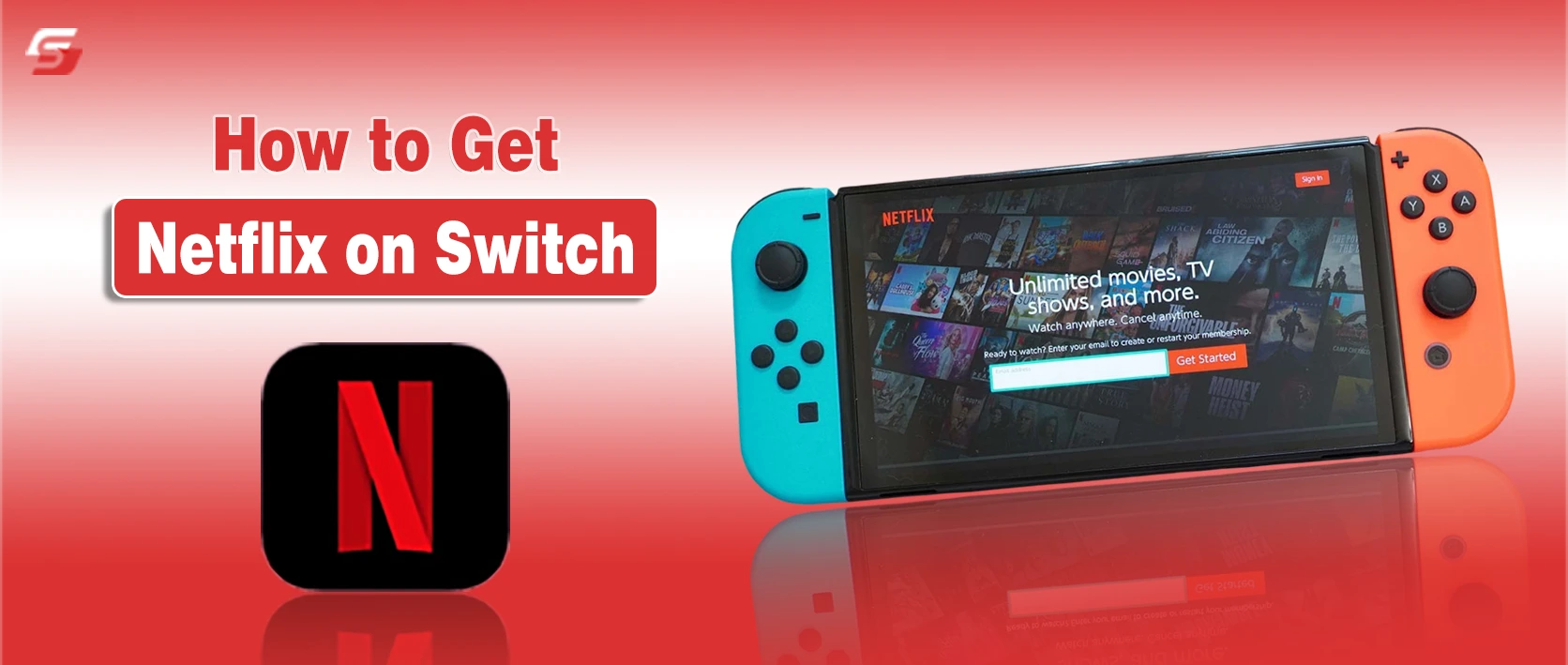
Many Nintendo Switch owners wonder if they can watch Netflix on their console. The truth is, Netflix is not officially available on any Switch model, including the Switch Lite and Switch OLED.
While this may be disappointing for fans, there are practical ways to still enjoy Netflix on or alongside your Switch without modifying your console.
Let’s break down why Netflix isn’t on the Switch, safe ways to stream it with external devices, and workarounds that keep your console stable, so you can enjoy your favorite shows worry-free.
Why Netflix Isn’t Available on Nintendo Switch
Netflix is not available on any Switch model, including Switch Lite and Switch OLED, because the console lacks the necessary software and streaming technology.
Key reasons
- The Switch OS does not support Netflix playback or DRM systems.
- Nintendo eShop does not offer the Netflix app.
- The console has no built-in browser capable of running Netflix.
Attempting third-party methods to install Netflix requires modifying the Switch firmware, which can:
- Void your warranty
- Violate Nintendo’s usage rules
- Cause system instability or crashes
In short, Netflix cannot run directly on the Switch. Safe alternatives involve using external devices to stream Netflix without affecting your console.
How to Stream Netflix on Nintendo Switch Using an External Device
Since Netflix can’t run natively on the Switch, you can use external devices to display Netflix content safely. The Switch acts as a screen when connected to devices that support mirroring or HDMI input.
Common methods
- Smartphone or tablet mirroring through a USB-C to HDMI adapter
- PC or laptop mirroring through an HDMI capture card
- Other HDMI-compatible devices connected through the Switch dock
Important tips
- Make sure to log out of Netflix on shared devices to protect your profiles.
- Playback quality depends on the source device resolution and the adapter or capture card used.
Casting from Phone to Switch
- Use a USB-C to HDMI adapter connected to the Switch dock.
- Or a capture card to transmit your phone’s video output.
- Works with iOS and Android devices, but the Switch itself does not support built-in casting.
Mirroring from PC or Laptop
- Connect the PC via USB-C to an HDMI adapter or capture card.
- Open Netflix on the PC browser or app.
- Switch displays the feed in 1080p docked mode (wired connection recommended).
- Wireless streaming is not supported.
Chromecast or AirPlay
- Switch does not support Chromecast or AirPlay.
- To use these, you need a wired adapter + capture setup.
- Direct wireless streaming is not possible.
Recommended Adapters for Netflix on Switch
| Adapter Type | Use Case | Notes |
|---|---|---|
| USB-C to HDMI | Mirror phone/tablet | Supports 1080p output |
| HDMI Capture Card | Mirror PC/laptop | Reduces latency, maintains quality |
| Dock HDMI Port | Receives video input | Required for all wired streaming |
Using these adapters allows safe, high-quality Netflix streaming without modifying your Switch.
Netflix Alternatives on Nintendo Switch
While Netflix isn’t available, the Switch supports a few official streaming apps that let you watch videos directly on your console. These apps are safe, supported, and optimized for Switch hardware.
Officially Available Apps
- YouTube – Streams video content in 720p–1080p, works in handheld and docked modes.
- Hulu (select regions) – TV shows, movies, and live content.
- Pokémon TV – Free episodes and movies, optimized for Switch screens.
- Funimation / Crunchyroll (region-based) – Streams anime, supports full-screen viewing.
Key points
- Designed specifically for Switch hardware and screen size.
- Use your Nintendo account to sign in.
- Playback works with Joy-Con, Pro Controller, or touchscreen.
Other major streaming services like Disney+, Amazon Prime Video, HBO Max, and Netflix are not supported on Switch and require external devices for access.
Best Way to Watch Netflix on Nintendo Switch
The Nintendo Switch cannot run Netflix natively, so users need external methods to watch Netflix safely. The safest approaches use supported devices and adapters rather than modifying the Switch software.
These methods maintain the console’s functionality, protect warranty coverage, and allow Netflix streaming in high quality. Understanding the safest and most reliable techniques ensures users can enjoy Netflix content without risking system stability.
My Last Thoughts on Netflix for Nintendo Switch
Watching Netflix directly on a Nintendo Switch isn’t possible because the app isn’t supported on any Switch model, including the Switch Lite and OLED. But don’t worry, you can still enjoy your favorite shows safely using external devices. But also remember Nintendo:
- No official Netflix app: The Nintendo eShop does not offer Netflix.
- Avoid system modifications: Unofficial apps or firmware changes can void your warranty and risk system stability.
- Use external devices: Smartphones, tablets, or PCs connected via USB-C to HDMI adapters or capture cards are the safest way to stream.
- Wireless streaming isn’t supported: Chromecast or AirPlay cannot cast Netflix directly to the Switch.
- High-quality playback: Wired connections with proper adapters give the best resolution anSd stable performance.
By using these safe workarounds, you can enjoy Netflix worry-free while keeping your Switch fully functional and protected.
Disclaimer: This guide is for informational purposes only. You must only use official devices and adapters; avoid unofficial apps or system modifications.
People Also Ask
No, wireless streaming is not supported; only wired connections using HDMI or capture cards work.
Currently, there are no official announcements from Nintendo or Netflix regarding native Switch support.
Yes, profiles from the connected external device can be selected and displayed on the Switch screen.
No, streaming through an external device does not impact Switch performance or game functions.