



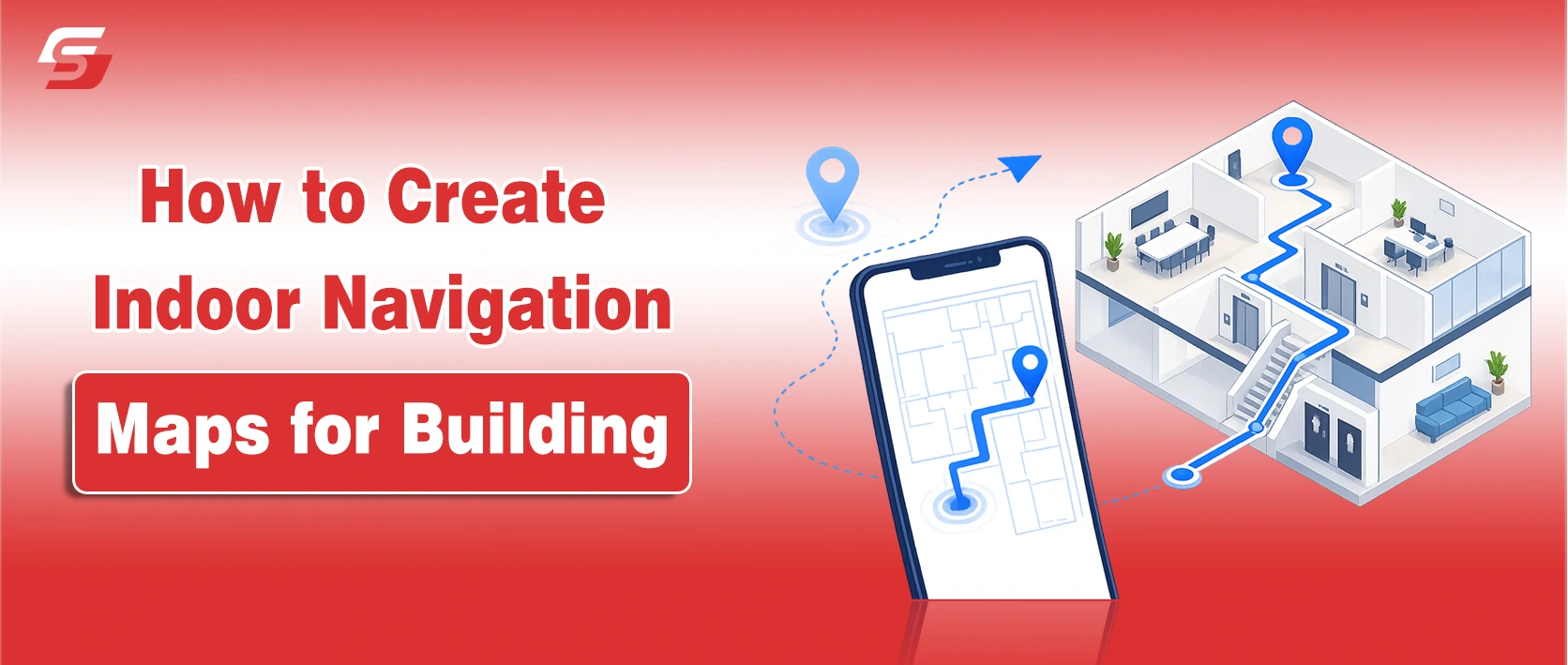
As commercial buildings become larger, smarter, and more complex, indoor navigation has become an essential part of modern facility management.
Hospitals, airports, universities, shopping centers, and corporate offices now rely on digital wayfinding tools to improve visitor movement, accessibility, and operational efficiency.
Businesses that successfully create indoor navigation maps reduce confusion, improve customer experience, and help people reach destinations faster.
Whether you manage a commercial property or a multi-floor office building, a well-planned indoor mapping strategy can simplify navigation while supporting safety, accessibility, and smart building management.
In this guide, you will learn how to create indoor navigation maps for a building to make navigation easier and more effective.
What Are Indoor Navigation Maps?
Indoor navigation maps are digital or physical wayfinding systems designed to help people navigate inside buildings where traditional GPS signals may not work accurately.
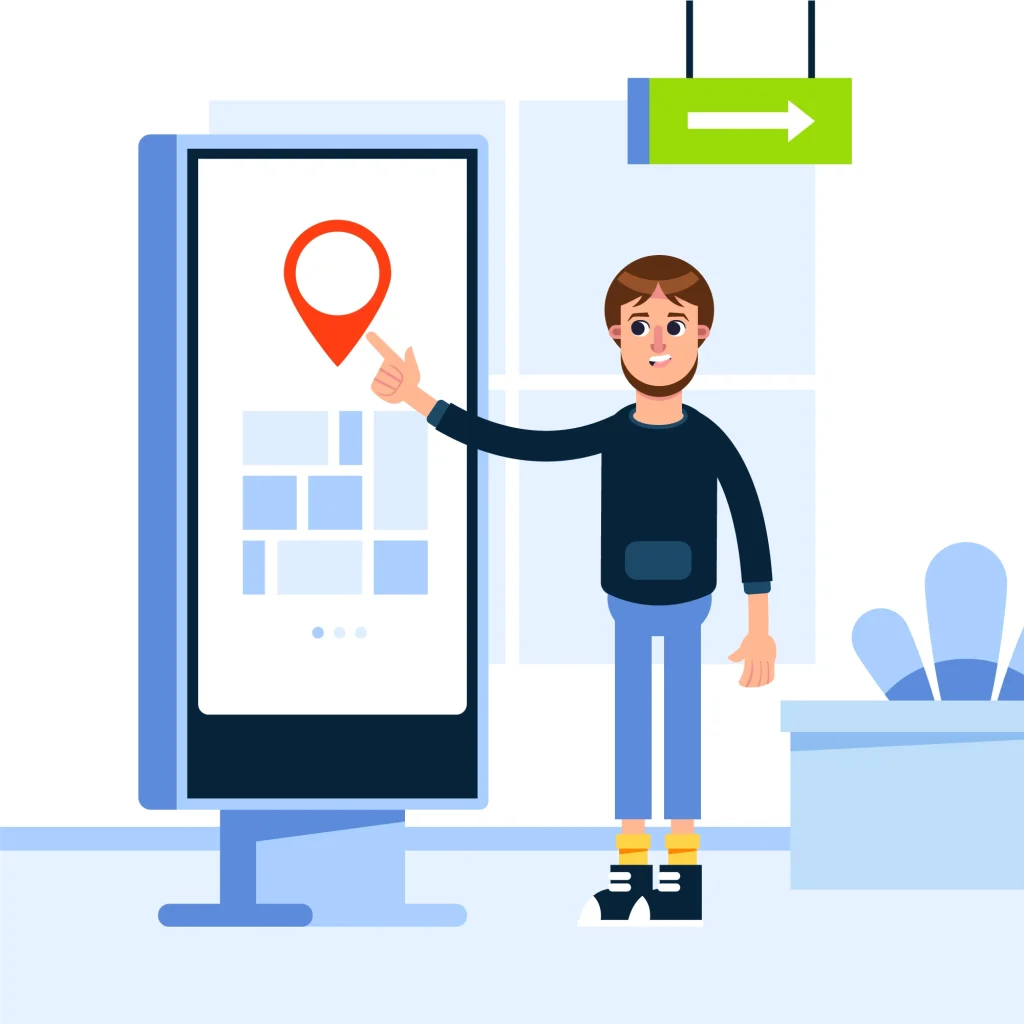
These systems guide users through corridors, floors, elevators, staircases, and shared spaces using interactive maps, signage, mobile applications, or digital kiosks.
Modern indoor navigation systems often include features such as:
- Interactive floor plans
- Turn-by-turn directions
- Search functionality
- Real-time location updates
- Accessibility routing
- Multi-floor navigation
- Emergency exit guidance
Indoor maps are commonly used in airports, hospitals, universities, shopping centers, museums, hotels, and large office complexes to improve visitor convenience and building efficiency.
Steps to Create Indoor Navigation Maps for Your Building
1. Understand Your Building Layout Before Mapping
The first step in building an effective indoor navigation system is understanding how people interact with your space. Analyze every floor, corridor, entrance, staircase, elevator, emergency exit, and shared facility. This process helps identify navigation challenges visitors commonly face.
Large facilities such as Google campuses, healthcare centers, and transportation hubs often use wayfinding analysis to improve traffic flow and reduce congestion.
During your assessment, focus on:
- Frequently visited locations
- Areas where visitors often get lost
- High-traffic pathways
- Accessibility routes
- Emergency evacuation points
- Decision-making intersections
Studying visitor behavior helps create routes that feel intuitive rather than overwhelming.
2. Identify User Intent and Navigation Needs
Different people use buildings differently. Employees, guests, delivery staff, patients, students, and maintenance teams all require unique navigation experiences.
For example:
- Visitors need simple directions from entrances to destinations
- Employees prefer quick access shortcuts
- Patients in hospitals require stress-free navigation
- Shoppers want store discovery and category guidance
- People with disabilities need accessible routing options
Understanding these needs allows businesses to design personalized wayfinding experiences that improve usability.
Accessibility should remain a core focus. Indoor navigation systems should support wheelchair-friendly routes, visual clarity, readable typography, and high-contrast design elements to comply with modern accessibility expectations.
3. Choose the Right Indoor Mapping Technology
Organizations can choose between physical maps, digital wayfinding displays, mobile navigation apps, or hybrid solutions.
Digital Indoor Navigation Systems
Digital mapping tools provide:
- Interactive floor plans
- Turn-by-turn navigation
- Real-time updates
- Search functionality
- QR-code integration
- Multi-floor directions
Many smart buildings use platforms developed by companies like Mappedin and Mapwize to power interactive wayfinding systems.
Digital navigation is especially effective for:
- Airports
- Hospitals
- Convention centers
- Universities
- Large office campuses
Physical Wayfinding Signage
Traditional signage still plays an important role. Printed directories, wall-mounted maps, and directional signs provide immediate guidance without requiring mobile devices or internet access.
The best results usually come from combining digital and physical navigation tools together.
4. Design Indoor Maps With Simplicity in Mind
One of the biggest mistakes businesses make is overcrowding maps with unnecessary details. Clear navigation always performs better than visually complicated layouts.
Effective indoor maps should include:
- Clear “You Are Here” markers
- Consistent color coding
- Readable fonts
- Universal symbols
- Simple route visualization
- Logical floor labeling
Color-coded zones help visitors quickly recognize departments or building sections. This approach is commonly used in hospitals, shopping malls, and educational campuses.
Consistency also matters. Room numbers, floor names, and directional signage should always match across printed materials, mobile apps, and digital kiosks.
5. Build an Effective Wayfinding System
Indoor maps work best when integrated into a larger wayfinding strategy. Your building should guide users naturally from one point to another.
A strong wayfinding system includes:
- Directional signage
- Interactive kiosks
- Mobile-friendly navigation
- Landmark-based guidance
- Elevator and staircase indicators
- Emergency exit directions
For example, landmarks such as cafeterias, reception desks, artwork, or waiting lounges help visitors orient themselves more easily inside large facilities.
Instead of presenting overly complex routes, break directions into smaller decision points that users can follow comfortably.
6. Add Interactive Features for Better User Experience
Modern indoor mapping solutions now include interactive capabilities that improve engagement and convenience.
Search Functionality
Users should be able to search for:
- Room numbers
- Departments
- Stores
- Offices
- Employees
- Services
Predictive search suggestions and typo correction can make navigation faster and reduce frustration.
Real-Time Information
Real-time updates improve reliability by showing:
- Closed hallways
- Elevator outages
- Event room changes
- Crowd congestion
- Available meeting rooms
This dynamic functionality is increasingly important in smart buildings and large public venues.
Multi-Floor Navigation
Multi-level buildings require specialized routing support. Maps should clearly display:
- Elevator access points
- Escalators
- Staircases
- Floor transitions
- Restricted areas
Three-dimensional visual layouts can help users better understand vertical movement between floors.
7. Optimize Indoor Navigation for Accessibility
Accessibility is no longer optional in modern building design. Effective indoor maps should support inclusive navigation experiences for everyone.
Important accessibility features include:
- Wheelchair-accessible routes
- Voice-guided navigation
- Large readable text
- High-contrast visuals
- Braille-compatible signage
- Screen-reader compatibility
Organizations that prioritize accessibility improve both compliance and visitor satisfaction.
8. Test Your Navigation System Before Full Deployment
Testing reveals usability problems that designers may overlook. Conduct real-world navigation tests with multiple user groups before launching your system.
Observe how users interact with maps and identify:
- Confusing pathways
- Slow navigation points
- Missed signage
- User hesitation
- Search difficulties
Gather both quantitative and qualitative feedback to improve navigation performance over time.
9. Keep Indoor Maps Updated
Indoor navigation systems quickly lose value when information becomes outdated. Renovations, department relocations, temporary closures, and structural changes must appear immediately across all navigation platforms.
Establish a maintenance workflow that includes:
- Regular map audits
- Scheduled updates
- Change approval procedures
- Real-time digital synchronization
- Emergency routing adjustments
Continuous updates help maintain trust and improve long-term usability.
10. Monitor Analytics and Improve Performance
Modern indoor navigation platforms provide valuable analytics that help businesses optimize building operations.
Track metrics such as:
- Most searched locations
- Visitor movement patterns
- Congested pathways
- Navigation completion rates
- Frequently requested destinations
These insights help property managers improve traffic flow, space utilization, and visitor experiences.
Why Effective Indoor Navigation Matters More Than Ever
Businesses that successfully create indoor navigation maps improve both operational efficiency and visitor satisfaction. A well-designed indoor wayfinding system reduces confusion, strengthens accessibility, and supports smarter building management.
As smart buildings continue evolving, indoor navigation technology will become even more important for hospitals, universities, shopping centers, airports, and commercial offices.
By combining intuitive design, accessibility, real-time updates, and interactive features, organizations can create navigation experiences that are simple, reliable, and genuinely helpful for every visitor.
People Also Ask
They improve visitor experience, reduce confusion, enhance accessibility, and help people move through large or complex buildings more efficiently.
Effective indoor maps should include clear directions, “You Are Here” markers, search functionality, floor transitions, accessibility routes, and consistent signage.
Indoor navigation systems may use mobile apps, interactive kiosks, QR codes, Bluetooth beacons, IoT sensors, and digital wayfinding displays.
They support wheelchair-friendly routes, voice navigation, high-contrast visuals, screen-reader compatibility, and accessible building guidance.
Both are important. Digital maps provide interactive and real-time navigation, while physical signage offers immediate guidance and emergency support.
Hospitals, airports, universities, shopping centers, hotels, convention centers, and large corporate offices benefit significantly from indoor wayfinding systems.