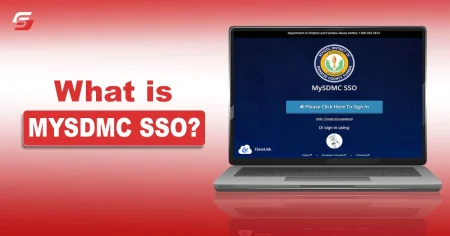




MySDMC SSO is the official login portal used by the School District of Manatee County. If you are searching for mysdmc sso login, this guide will help you access the portal safely and correctly without errors.
If you’re trying to access the MySDMC SSO login portal, this guide will walk you through the official steps, login requirements, and common issues based on real user experience.
However, most users struggle when it comes to signing in and using this platform, If you are also the one who is looking for a solution, you are completely right. In this guide, I have highlighted all the steps you need to follow to log in to the MySDMC SSO portal.
How to Login to MySDMC SSO?
We have now covered in detail how this learning system is helpful. Let’s now examine how to log in to it.
To do it, you need to follow these steps:
Step – 1:
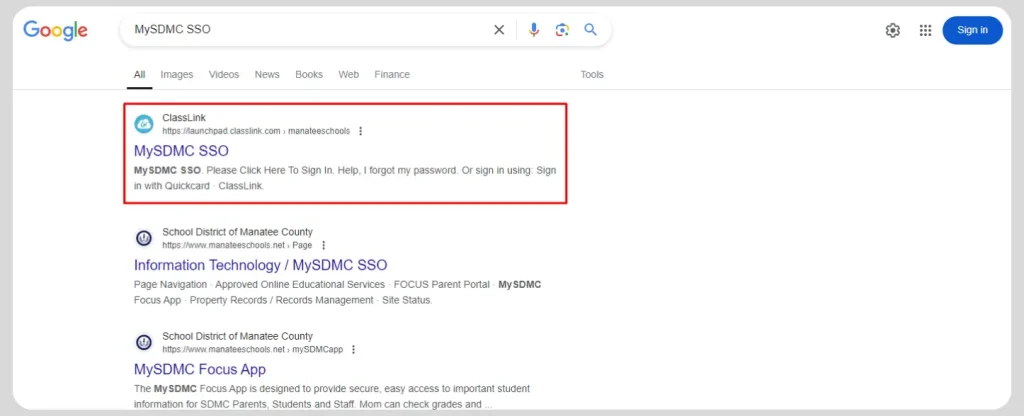
First of all, you have to get on the education website of My SDMC SSO. For that, Go directly to the official MySDMC SSO login page to avoid fake or unsafe websites. When the search results show up, click on the first one. The URL will be, https://launchpad.classlink.com/manateeschools
Step – 2:
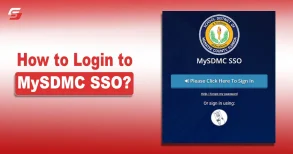
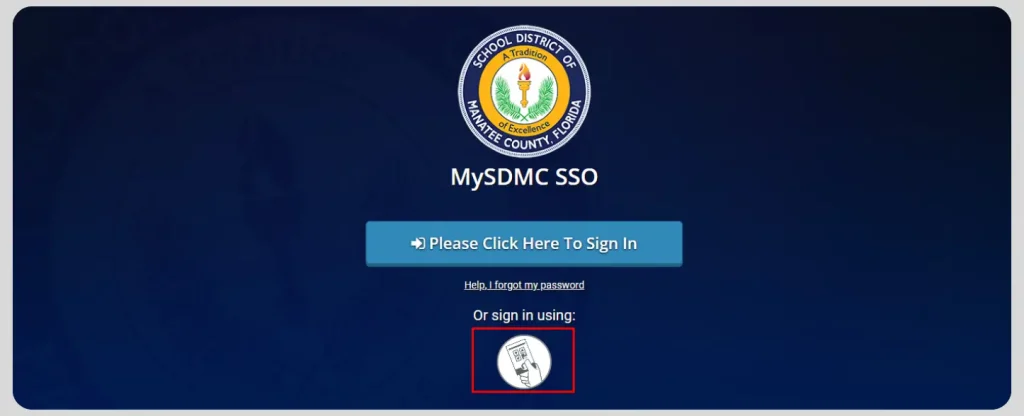
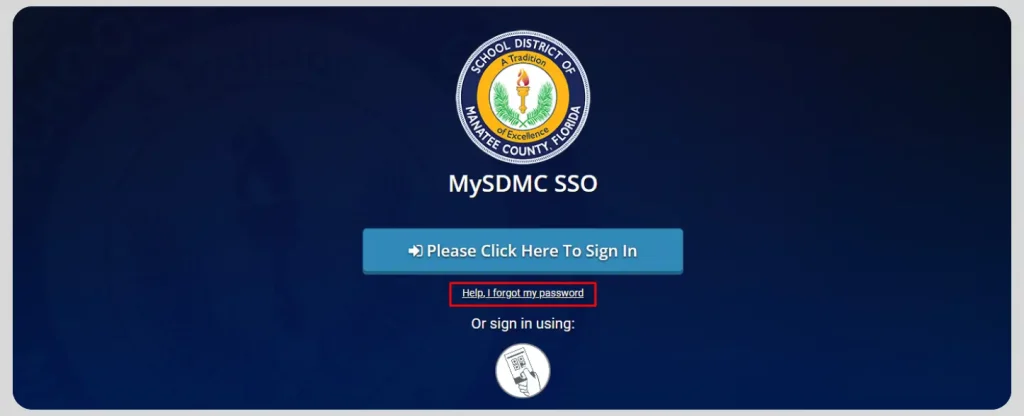
- On the homepage, you have to click on the “Please Click Here to Sign In” button.

- Once you click on the option, you will be directed to the login credentials page. Here, you have to input your username and password in the designated place. Then, click on the Sign In button.
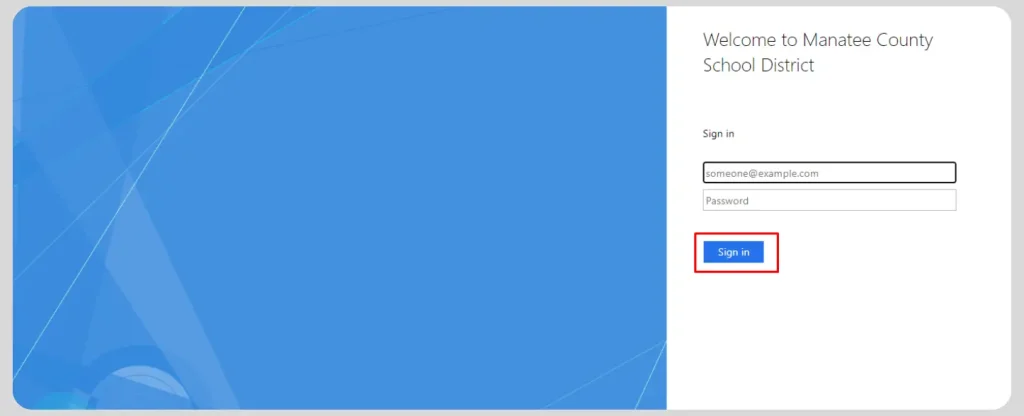
Make sure to input the correct credentials to avoid facing any error. You will be successfully logged in to the portal.
Step 3 – Signing in with Quickcard:
You can also sign in on the My SDMC SSO portal with the help of your Quickcard. This feature is useful when you have forgotten your username or password. The steps are below:
- Visit the official login page as mentioned above.
- Click on the card icon present right beneath the Sign In button.
- This will direct you to another page and the camera of your computer/mobile will open. You have to scan the card to get access to your account.
Login to MySDMC SSO When You Don’t Know the Password
You can also sign in on the MySDMC SSO portal even if you do not remember your password. The complete guide is explained below.
- Access the official login page of this portal.
- Click on the “Help, I forgot my password” option.
- Enter your username and click on the button below.
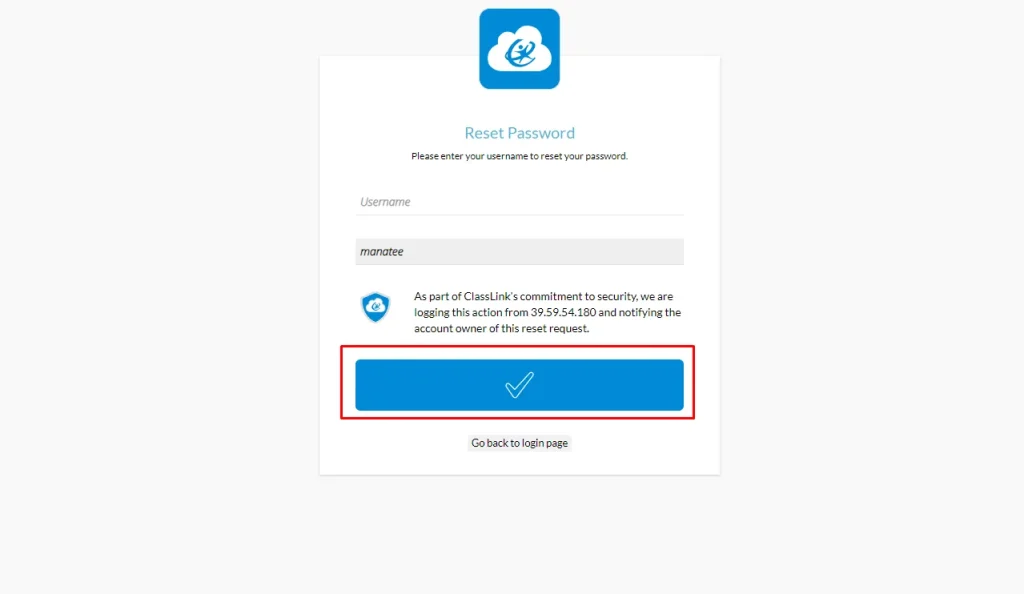
- Follow the on screen instructions to reset your password. Create a strong password to avoid cybersecurity threats.
Common MySDMC SSO Login Issues & Fixes
Wrong password error: Reset your password using the “forgot password” option
Website not loading: Try another browser or clear cache
QuickCard not working: Scan again properly or contact school support
Account locked: Wait or contact the IT department
Final Thoughts
That’s all about how to login to MySDMC SSO. The whole process is quite straightforward however, challenges arise when you enter the wrong credentials or visit a false portal.
Make sure you have accessed the official LMS so that you will be able to get into your account and manage the education material.
SDMC education network has also made it easier for its users to regain access to their accounts if they forget the password.
Important Security Note:
Always use the official MySDMC SSO login portal and avoid third-party websites. Never share your username or password with anyone to protect your student account.
FAQs People Ask About MySDMC SSO
MySDMC SSO is the official login system used by School District of Manatee County for students and staff.
You can access it through the official ClassLink portal and enter your login credentials.
It may be due to wrong password, browser issues, or temporary server downtime.
Use the “Forgot Password” option on the login page to reset your credentials.
Yes, QuickCard login is available for students who cannot remember their username or password.
Yes, it is a secure portal managed by the school district with proper authentication systems.