



QUICK SUMMARY: A great QA management tool uses AI to automate test creation, tracks bugs, and integrates seamlessly with platforms. The best options keep teams connected, provide real-time updates, and are easy to use. Choose a tool that fits your team’s skills, budget, and workflow for efficient, reliable software quality assurance. Some of the best options are Jira, UserSnap, Bugherd, and many more.
What Makes a Good QA Management Tool?
A good quality QA management tool acts as a central hub for balancing development speed and software reliability. Modern tools use advanced AI models to generate tests from requirements and identify high-risk code. It also assists in automatic script updating when UI elements change.
Effective QA platforms create seamless integrations with CI/CD pipelines and advanced tools like Jira. The right tool makes QA a strategic partner for quality management at every stage, such as from code analysis to production. This makes new releases dependable and trusted.
Key Features of QA Management Tools
- AI-Powered Autonomy: Advanced QA tools use AI automations to test case creation, classify failures, and predict risks.
- Unified Lifecycle Traceability: The tool should link requirements, test cases, test runs, and defect reports for complete visibility.
- Deep CI/CD Integration: Tests run automatically with code commits, and results sync in real time so developers get instant feedback.
- Real-Time Business Analytics: Dashboards should turn technical test results into business metrics that support quick decisions.
- Continuous Observability Support: A strong tool supports early validation and production monitoring, letting teams turn real user data into new tests.
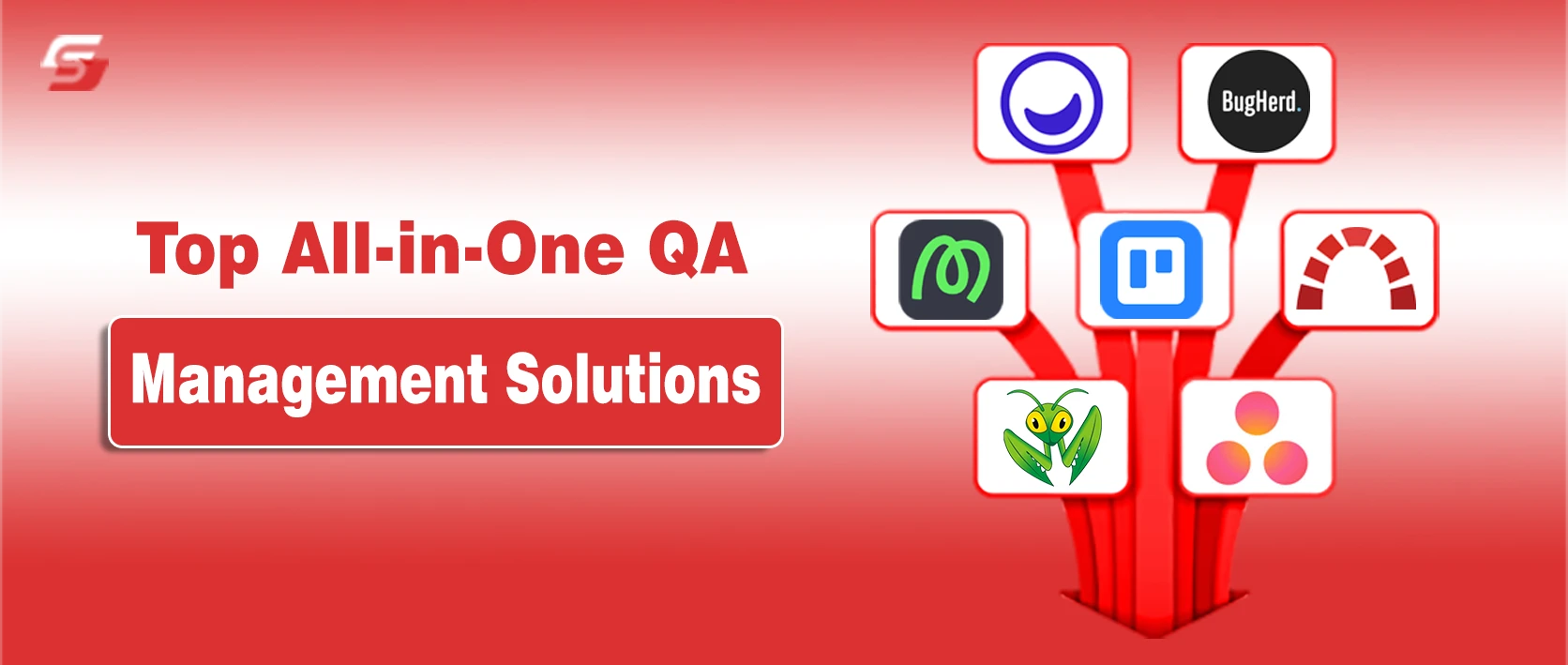
8 Best All-in-One QA Management Solutions

1. Usersnap

Pricing: $39/month (Starter)
Key Features:
- In-app screen recording
- Automatic metadata capture
- Two-way integrations
Usersnap is a feedback tool for digital agencies, Saas teams, and product designers. This enables you to capture bugs, feedback, and prototypes with easy annotations, comments, and screen recordings.
It helps in optimizing simple bug reports into clear, detailed feedback. This gets done automatically by adding URL, device info, browser extension, and annotated screenshots. It simply integrates with other advanced tools such as Jira, Slack, and many more.
Usersnap stands out for its visual feedback capabilities, making it particularly useful for digital teams working on web and mobile applications. Users can take screenshots, annotate them, and provide context about the issue directly in the tool. This visual approach makes it easier for developers to understand the problem and address it faster. However, Usersnap vs competitors like BugHerd and Marker.io reveals different strengths, with each tool offering unique features tailored to specific team needs.
2. BugHerd

Pricing: $42/month (Standard)
Key Features:
- Point-and-click annotations
- Video and audio screen recording
- No-login guest access for clients
Bugherd is a simple visual feedback tool. It works like digital sticky notes where you can add comments, screenshots, and device details. Clients, QA testers, designers, and developers can report bugs quickly. It simply gets integrated with advanced tools such as Trello, GitHub, and more.
BugHerd also includes task prioritization, status tracking, and public feedback boards. It works best with web agencies and marketing teams who need client feedback on live sites.
3. Marker.io

Pricing: $39/month (Starter)
Key Features:
- Guest feedback portal
- Sensitive data masking
- No-account reporting
Marker.io is a top choice for development teams using project management tools like Jira, ClickUp, Linear, or Asana. You can report bugs directly from your website. It automatically creates tickets in your workflow with full context, such as screenshots, URLs, browser info, console logs, and video recordings.
It supports custom fields, assignee mapping, and automated labeling. Developers get all the information they need without follow-up questions.
4. Trello

Pricing: $5/month (Standard)
Key Features:
- Unlimited Power-Ups
- Custom fields
- Cross-board synchronization
- Multi-board guests
Trello is not a dedicated bug tracker, but it is used as a simple QA management tool. Its card-based Kanban system enables it to make boards per project. It consists of columns such as the To Do, In Progress, QA, and Done. You can add labels of severity, add checklists, add due dates, attach screenshots, and assign members.
Trello is connected to Slack, Google Drive, GitHub, and others. The Free plan is highly liberal so that it can be used by small teams and startups.
5. MantisBT

Pricing: Free for basic use
Key Features:
- Role-based access control
- Customizable issue workflows
- Multi-project and sub-project support
MantisBT is a well-known, open source bug tracking system. It is completely free and is extremely customizable. Teams have the ability to set up fields, workflows, user roles, and even to report. MantisBT includes email notifications, Git integrations, and so forth.
It is light and compatible with any PHP/MySQL server. MantisBT has been used for decades by many development teams and open-source projects. It is ideal when you do not need any recurrent expenses and have complete control.
6. Redmine

Pricing: Free to download
Key Features:
- User self-registration support
- Multilanguage support
- Multiple databases support
Redmine is an open source project management and issue tracking tool. It has bug tracking, task management, a wiki, forums, time tracking, and Gantt charts all under a single roof. It is highly extensible with plugins, supports custom fields, is integrated with Git/SVN, and allows role-based workflows.
It’s free and self-hosted. The Redmine software is in use by many software teams and agencies for development and QA tracking.
7. Asana

Pricing: $10/month (Starter)
Key Features:
- Form builder for request intake
- Portfolios for multi-project monitoring
- Universal Reporting and Dashboards
Asana is popular with marketing, product, and creative teams, and is used by QA and development teams to track bugs. It is quite visual and intuitive in terms of its task and project structure. This enables you to add your own fields in severity, device, browser, steps to reproduce, and add screenshots directly.
Asana combines with Slack, Zoom, GitHub, and others. Its free plan can be used in small teams, and the paid plans will allow extensive reporting and scheduling.
8. Jira

Pricing: $7.91/month (Starter)
Key Features:
- Advanced Roadmap planning
- Customizable workflows and issue types
- Jira Automation engine
Jira is the leading tool in software development. It is extensively customizable and integrates with development tools such as Bitbucket, GitHub, Confluence, etc. In the case of QA, it supports detailed bug ticketing, user-configurable workflows and fields, attached files, and connections to code commits.
Jira Software Cloud and Data Center are available at Atlassian. Although it has a sharper learning curve, it is ideal for teams requiring powerful issue tracking and agile management.
Integrations with Development Tools
All components of QA and development tools are interconnected to form one centralized system. It integrates all work items in real-time across platforms such as Jira, GitHub, and Azure DevOps. Test results are viewed by developers, and code is connected back to requirements. These instant updates on code changes are provided to QA teams.
These integrations are frequently handled by agentic AI. This renders quality as an ongoing process of DevOps.
Key Benefits of QA and Development Tool Integration
- End-to-End Traceability: Syncing Jira requirements, test cases, and GitHub commits connects all code to business needs and simplifies audits.
- Automated Quality Gates: CI/CD tools use test results to prevent bad code from reaching production and reduce release risk.
- Contextual Feedback for Developers: Developers get real-time test failures in their workflow, so they can fix issues fast without switching tools.
- Bidirectional Defect Syncing: When QA logs a defect in tools like TestRail or Xray, it appears in the developer’s backlog, keeping teams aligned on priorities and status.
- AI-Driven Impact Analysis: Integrated tools use AI to analyze code changes, predict which tests may fail, and help teams prioritize for faster feedback.
Choosing the Right Tool for Your Team
The right QA tool must align with the team’s skills, budget, and project requirements. Best teams use tools that have AI features to generate automated tests and have a bi-directional integration with DevOps pipelines. Most feature lists prefer to consider the tools that emulate the single source of truth for any form of testing.
Key Factors for Choosing a QA Tool
- AI Maintenance Capabilities: Select tools with AI-powered self-healing features (like Mabl or Testim) to update scripts automatically when UI elements change. This reduces manual maintenance.
- Integration and Traceability: Ensure the tool syncs with Jira or GitHub for full traceability from requirements to code and test results.
- Scalability and Infrastructure: Check if the tool can handle large test suites and run tests in parallel across multiple devices and operating systems using cloud services like BrowserStack or LambdaTest.
The Future of QA Management Is All-in-One
Choosing the right QA management tool transforms your team’s software quality and workflow. Prioritize QA tools that offer AI-driven automation and easy integration with platforms like Jira for real-time bug tracking. Selecting a scalable, user-friendly QA solution ensures smoother releases and fewer errors.
Select a tool that fits your team’s skills and budget to improve software quality and speed up releases. The right QA tool helps you deliver reliable products and stay ahead in your industry.