



Key Takeaways
- NetSuite trials aren’t casual sign-ups—they’re partner-provisioned, pre-configured environments designed to show real workflows, not blank screens.
- Getting NetSuite trial access through a partner-led trial environment is a good idea to get hands-on quickly and evaluate workflows in a realistic setup.
- The most useful approach is to test workflows, not features—simulate billing, inventory, CRM, and reporting processes to see how they fit your operations.
- A focused 14-day trial beats a longer scattered one—define pain points, run end-to-end workflows, stress-test reporting, and finish with clear insights on fit and configuration needs.
If you’ve ever tried to “test drive” an ERP like NetSuite, you already know the frustrating part: it’s not like downloading a typical app and clicking “Start free trial.” NetSuite is powerful, configurable, and built for real operations—which also means trial access usually comes through structured demo environments or partner-provisioned accounts, not a casual sign-up flow.
The good news? You can get NetSuite trial access and use it to answer the questions that actually matter: Will this clean up our reporting? Will it remove spreadsheet chaos? Can it handle inventory, billing, and CRM without duct tape?
One of the most straightforward paths is to request NetSuite trial access through a partner-led trial environment—so you can get hands-on quickly and evaluate workflows in a realistic setup.

Why NetSuite trials feel “different” (and why that’s a good sign)
When people search for NetSuite trial access, what they often really want is proof: that the platform fits their business today, and scales with them tomorrow.
ERP isn’t just software—it’s a new operating system for the business. That’s why most NetSuite trials are:
- Provisioned accounts (not public self-serve)
- Pre-configured environments (so you’re not staring at blank screens)
- Designed around workflows like invoicing, order management, and dashboards
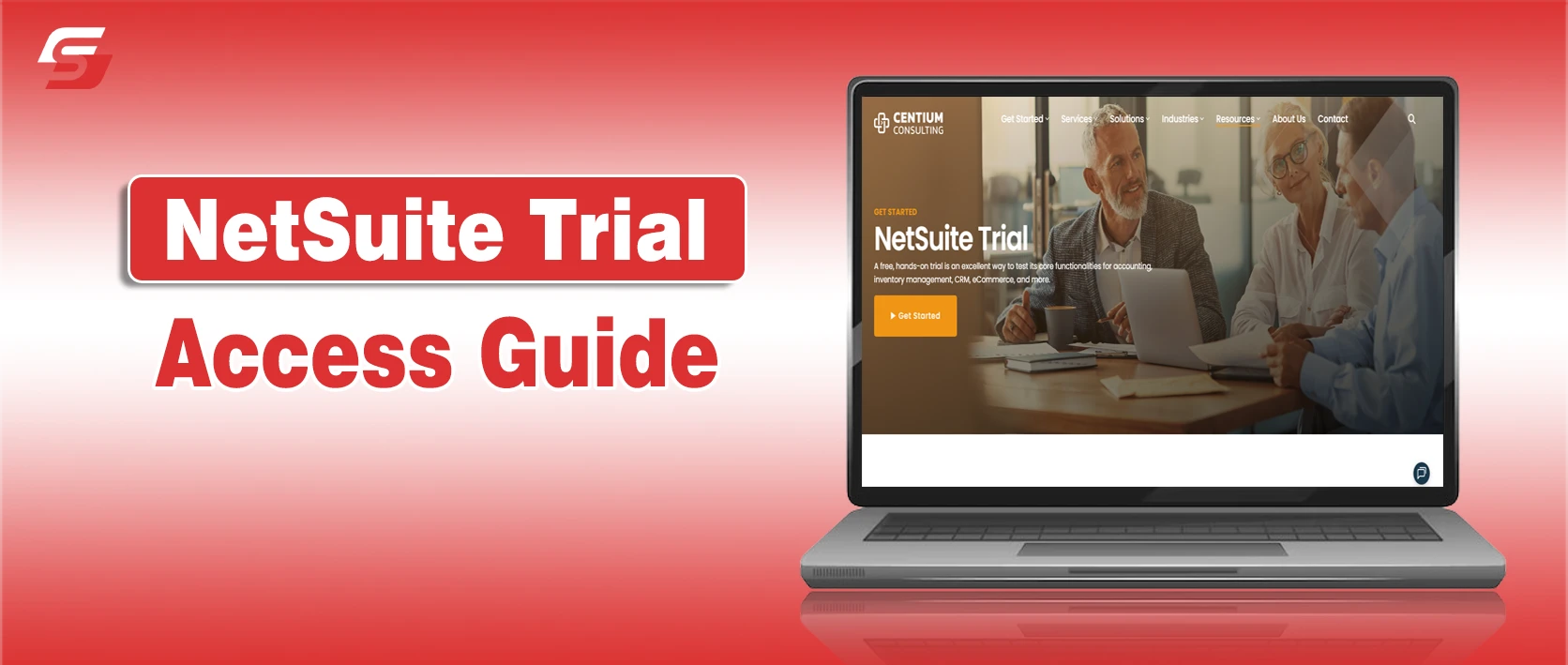
Centium positions its trial as a live environment where you can navigate modules, enter transactions, test workflows, and explore reporting—without needing a credit card.
What you should be looking for in a NetSuite trial environment
The fastest way to waste a trial is to treat NetSuite trial access like a feature checklist. Treat it like a workflow test instead.
A good trial experience typically gives you a “day-in-the-life” view of how teams work inside NetSuite. Centium highlights areas like finance/accounting, inventory and order management, CRM, and real-time dashboards as core things to explore during the trial.
Real-time dashboards that replace “status meetings”
The fastest way to feel the difference between ERP and spreadsheets is dashboards. In a strong trial, you should be able to:
- View KPIs without manual report pulling
- Drill into numbers to see transactions behind them
- Compare performance across departments without “version control” nightmares
Finance workflows that don’t rely on tribal knowledge
If your goal for NetSuite trial access is cleaner closes and fewer fire drills, focus here early.
During the trial, try running through:
- Billing and invoicing
- Month-end close processes (even if simulated)
- Basic reporting and consolidation views
Inventory and order management that matches how you actually operate
For many teams, NetSuite trial access is about eliminating the “where did that number come from?” moments between sales, ops, and finance.
If you sell, ship, or track stock, don’t settle for surface-level clicks. Test:
- Stock visibility (what’s available, committed, backordered)
- Fulfillment steps (pick/pack/ship conceptually)
- Returns and adjustments
CRM that connects to revenue reality
A useful trial shouldn’t treat CRM as an add-on. Try mapping:
- A lead → opportunity → quote → invoice path
- Basic reporting on pipeline vs. cash reality
How to make 14 days feel like 60 (without burning out your team)
Here’s a practical approach that keeps your trial focused, even if you’re juggling day-to-day operations.
Days 1–2: Pick 3 “pain stories” and turn them into test cases
Instead of “exploring NetSuite,” define three situations you regularly deal with, like:
- “We can’t get accurate inventory counts fast enough.”
- “Billing is slow because approvals live in email threads.”
- “Reporting is always a week late and nobody trusts it.”
Write each as a short story, then ask: What would ‘fixed’ look like?
Days 3–7: Test workflows, not features
This is the sweet spot of NetSuite trial access—where you stop browsing and start validating outcomes.
This is where most teams waste trials: they click around menus instead of validating outcomes.
Do this instead:
- Pick one role (finance, ops, sales)
- Run one workflow end-to-end
- Screenshot or note where things feel smooth vs. confusing
- Identify what’s configuration vs. deal-breaker
Days 8–12: Stress-test reporting and visibility
A real ERP win is visibility. Ask:
- Can leadership see the truth without waiting on someone’s spreadsheet?
- Do different departments see the same numbers?
- Can you trace a metric back to underlying transactions?
Days 13–14: Decide what you learned—and what you still need
By the end of your NetSuite trial access window, you should be able to say what’s proven, what needs configuration, and what’s a non-starter.
Your goal isn’t “finish the trial.” Your goal is:
- Confirm what NetSuite solves immediately
- Identify what requires configuration/implementation planning
- Decide whether you want to move forward or pause
A quick reality check: “Is there a 30-day NetSuite trial?”
A lot of people search for a 30-day trial because that’s common in lighter SaaS products. But NetSuite trial access is typically structured and often partner-led. In practice, you’ll see 14-day models more commonly.
So if your team is chasing “30 days” specifically, shift the question to what matters:
Do we have enough time to validate the workflows we care about? Fourteen focused days beats 30 scattered ones every time.
Final Words – Treat the trial like a decision sprint, not a sandbox vacation
NetSuite is a serious platform. That’s exactly why the trial needs to be approached with intention. Using the trial is about proving whether the platform can solve your real business challenges. By focusing on workflows, dashboards, and reporting, you’ll quickly see if NetSuite reduces chaos and delivers the visibility your team needs.
If you want the cleanest path to hands-on exploration—dashboards, finance, inventory, CRM, and guided support—start with a trial option designed specifically for structured evaluation (and use the trial as a decision sprint, not a casual tour).